
Seed Calculator
A seed calculator is an essential planning tool that determines the precise amount of seed required for a specific area based on target plant density, germination rates, and seed purity.
Results
Seed Calculator – How to Calculate the Right Number of Seeds for Your Garden
Every gardener has been there. You buy a packet of seeds, scatter them in your garden, and then wonder if you planted too many or too few. That guessing game can cost you money, waste space, and leave you with a disappointing harvest. A seed calculator takes the guesswork out of the whole thing. It helps you figure out exactly how many seeds you need based on the size of your garden and the type of plants you want to grow.
In this article, you will learn how a seed calculator works, how to use one for your backyard or raised bed, and how to plan your garden the smart way. Whether you are brand new to gardening or have been at it for a few years, this guide will help you plant smarter and grow more.

Why You Should Never Guess Seed Quantity
A lot of beginner gardeners guess how many seeds to plant. It seems easy enough. Just toss some seeds in the dirt and see what happens, right? But guessing leads to real problems. And those problems can hurt your whole season.
Problems With Planting Too Many Seeds
When you plant too many seeds, your garden gets crowded fast. Plants compete for water, light, and nutrients. They end up weak and small. You also waste seeds and money buying more packets than you need.
Overcrowded plants are also more likely to get diseases. Air cannot move between them well, and that creates damp spots where mold and pests love to hide.
Problems With Planting Too Few Seeds
On the flip side, planting too few seeds leaves empty gaps in your garden. You end up with less food than you planned. Some seeds do not sprout at all, so you need a little extra to make sure you hit your target.
If you plant fewer seeds than needed, you may also miss the right planting window. By the time you realize the gap, it could be too late to plant more for the season.
How Proper Planning Improves Harvest
When you plan the right number of seeds for your space, everything goes smoother. Plants have the room they need to grow strong. You get a fuller harvest. And you spend less money on extra seeds you did not need.
Good planning also helps you stay organized. You know exactly what you planted, where, and when. That makes it much easier to water, fertilize, and harvest at the right time.
What Is a Seed Calculator?
A seed calculator is a simple tool that helps you figure out how many seeds you need to plant in a given area. You enter the size of your garden bed, choose the type of plant, and the calculator tells you how many seeds to buy and plant.
Think of it like a recipe. You would not bake a cake without knowing the right amounts of each ingredient. A garden seed calculator does the same thing for your garden. It uses plant spacing rules to tell you how many plants fit in your space.
Most garden seed calculator tools are available online and are totally free to use. Some seed packets also include spacing info that you can use to do the math yourself. But the digital tools make it much faster and easier.
The big difference between guessing and calculating is simple. Guessing is just a shot in the dark. Calculating gives you a real number based on the actual size of your garden and the specific needs of your plants.
Free Garden Calculators for Accurate Planting & Harvest Planning
How a Seed Calculator Works (Simple Explanation)
Using a seed calculator is easier than you might think. Here is how it works, step by step.
Step 1 – Measure Your Garden Bed
Start by measuring the length and width of your garden space. Use a tape measure and write the numbers down. For example, if your raised bed is 4 feet wide and 8 feet long, you have a 4×8 bed.
You can measure in feet or meters, depending on what is easier for you. Just make sure you stay consistent. Do not mix feet and meters in the same calculation.
Step 2 – Choose Units (Feet or Meters)
Most seed calculators will ask you to choose your unit of measurement. In the USA, feet and inches are most common. Pick the unit that matches how you measured your bed.
If your bed is an odd shape, break it into sections. Measure each rectangle separately, then add the totals together to get your full garden area.
Step 3 – Select Your Plant
Next, choose the type of plant you want to grow. Each plant has different spacing needs. Carrots grow close together. Tomatoes need much more room. The calculator uses this info to figure out how many plants fit in your space.
If you are using a manual method, check your seed packet. It will say something like “space 12 inches apart” or “plant 6 inches apart in rows 18 inches wide.” That is the spacing data you need.
Step 4 – Calculate Seeds Needed
Once you enter your garden size and plant type, the calculator gives you a number. That is how many seeds or plants you need for your space.
A good seed quantity calculator also accounts for germination rate. Not every seed will sprout. If a seed has a 70% germination rate, you may want to plant a few extra to make sure you get full coverage.
Using a Seed Calculator for Raised Beds
Raised beds are super popular with USA home gardeners. They drain well, warm up faster in spring, and are easy to manage. Here is how to use a garden seed calculator for common raised bed sizes.
4×4 Raised Bed
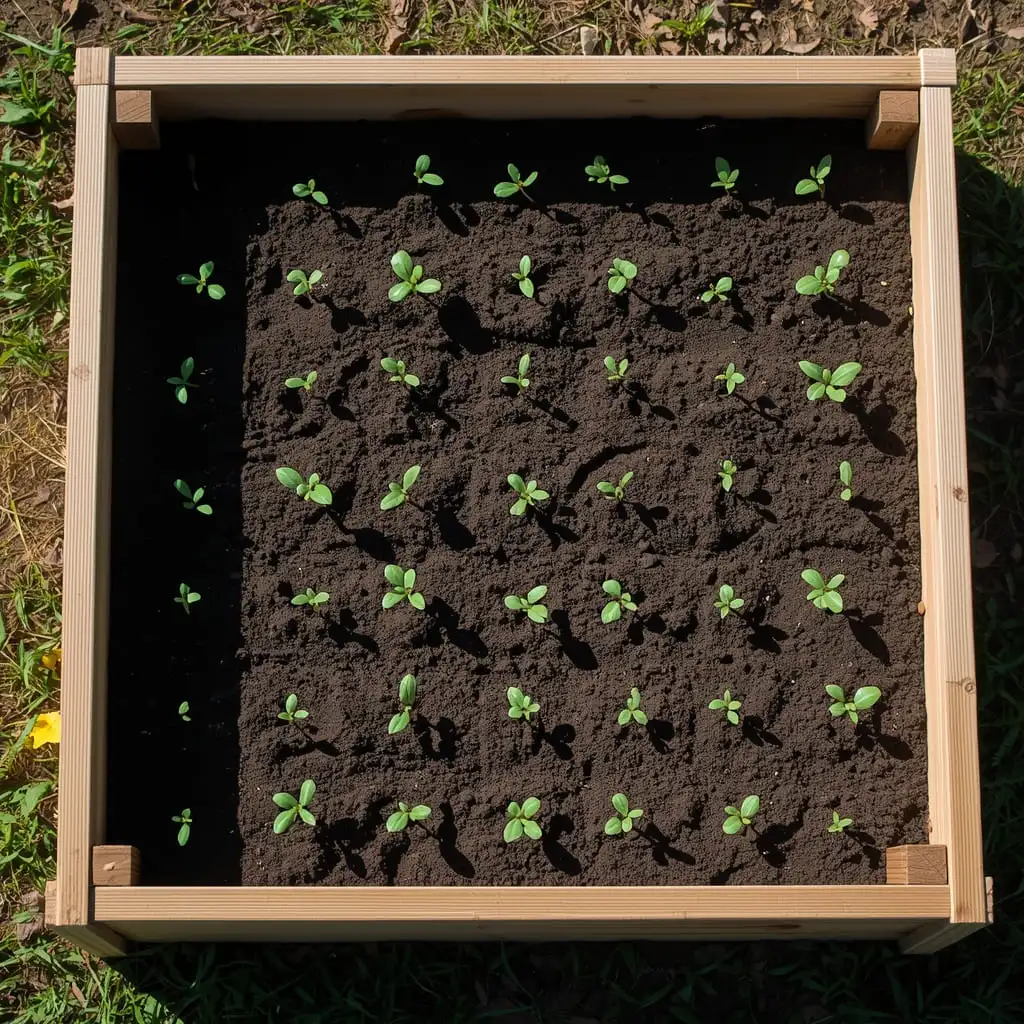
A 4×4 bed gives you 16 square feet of growing space. This is a great size for a beginner. You can grow a nice mix of vegetables in this space.
- Lettuce: About 16 to 32 plants
- Radishes: Around 48 to 64 plants
- Bush beans: About 32 plants
- Peppers: 4 plants, one per square foot spacing
4×8 Raised Bed
A 4×8 bed gives you 32 square feet. This is one of the most common raised bed sizes in the USA. You can grow a good variety of food in this space.
- Tomatoes: 4 to 8 plants depending on type
- Cucumbers: About 8 plants
- Carrots: Up to 128 plants
- Spinach: Around 64 plants
10×10 Garden Bed
A 10×10 plot gives you 100 square feet. This is a solid medium-sized garden. You can feed a small family through the growing season with this much space.
With 100 square feet, you might plant a mix of vegetables. Use your seed calculator or the seeds per square foot method to plan each section of the bed separately.
Backyard Garden Plots
If you have a larger in-ground backyard garden, just break it into sections. Measure each row or section, calculate seeds needed for each area, then add the totals. The process to calculate seeds for garden is the same whether your plot is 50 square feet or 500 square feet.
Seed Calculator for Popular Vegetables
Different vegetables need different amounts of space. Here is a quick guide to seed spacing and quantities for some of the most popular garden vegetables in the USA.
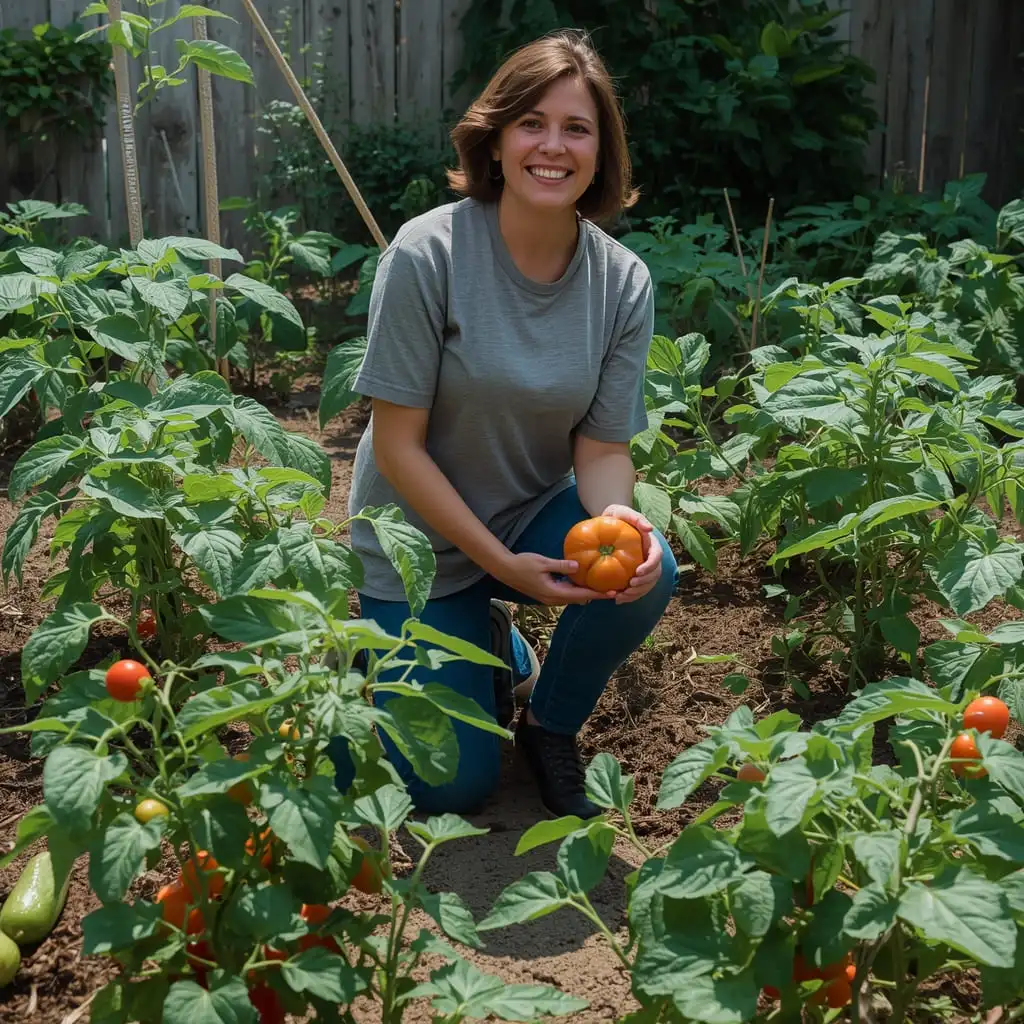
Lettuce
Lettuce is one of the easiest vegetables to grow. It does not need a lot of space and grows quickly.
- Spacing: 6 to 8 inches apart
- Seeds per square foot: 1 to 4 plants
- A 4×4 bed can hold around 16 to 32 lettuce plants
- Plant extra seeds since germination rate can be around 80%
Tomatoes
Tomatoes need more room than most vegetables. They grow tall and wide.
- Spacing: 18 to 36 inches apart depending on variety
- Seeds per square foot: Less than 1 (each plant needs 2 to 9 square feet)
- A 4×8 bed can fit about 4 to 6 tomato plants
- Start seeds indoors 6 to 8 weeks before the last frost date in your area
Carrots
Carrots are planted close together and then thinned out as they grow.
- Spacing: 2 to 3 inches apart after thinning
- Seeds per square foot: Around 16 plants
- Plant seeds thickly and thin later
- Germination rate is around 75%, so plant a few extra
Peppers
Peppers like warm weather and need decent space to spread out.
- Spacing: 12 to 18 inches apart
- Seeds per square foot: 1 plant per square foot
- A 4×4 bed holds about 4 to 9 pepper plants
- Start seeds indoors 8 to 10 weeks before last frost
Cucumbers
Cucumbers grow fast and can climb if you give them a trellis, which saves ground space.
- Spacing: 12 inches apart with trellis, 24 to 36 inches without
- Seeds per square foot: 1 plant per square foot with trellis
- A 4×8 bed with a trellis can hold around 8 cucumber plants
- Germination rate is usually 80% or higher
How Many Seeds Do You Need? (Real Examples)
Here are some simple examples to show you how how many seeds do I need math works in real life.
Small Garden (16 Square Feet – 4×4 Bed)
Let us say you want to grow lettuce. With 16 square feet and a spacing of 1 plant per square foot, you need 16 plants. Since lettuce has an 80% germination rate, plant about 20 seeds to be safe.
Medium Garden (32 Square Feet – 4×8 Bed)
Say you want to grow carrots. At 16 plants per square foot and 32 square feet, that is 512 plants. But you plant carrots thickly and thin them, so you might start with 700 to 800 seeds, then thin to the right spacing as they grow.
Large Garden (100 Square Feet – 10×10 Plot)
For a mix of vegetables in 100 square feet, divide your space into sections. Maybe 25 square feet for beans, 25 for cucumbers, 25 for peppers, and 25 for salad greens. Use your raised bed seed planning tool for each section separately.
Containers
Container gardens work the same way. Measure the surface area of your container, choose your plant, and use the spacing rules. A 12-inch pot holds about 1 tomato plant or 4 to 6 lettuce plants. A 24-inch window box can hold up to 4 lettuce plants or a mix of herbs.
Common Mistakes to Avoid When Using a Seed Calculator
Even with a calculator, mistakes happen. Here are the most common ones to watch out for.
- Wrong measurements – Always double check your garden bed size before entering it into the calculator. A few inches off can throw off your whole plan.
- Ignoring plant spacing – Every plant has different space needs. Do not use the same spacing for all vegetables.
- Not checking the seed packet – Your seed packet has important info like germination rate and spacing. Always read it before you calculate.
- Forgetting germination rate – If a seed has a 70% germination rate, not all your seeds will sprout. Plant 10 to 30% more than you think you need.
- Overcrowding plants – It is tempting to squeeze in more plants, but crowded plants grow poorly. Stick to the recommended spacing.
- Not accounting for thinning – Some vegetables like carrots and beets are seeded heavily and then thinned. Your calculator may show final plant count, not seed count.
- Planting all seeds at once – Save some seeds for succession planting so you have fresh crops throughout the season.
Smart Seed Planning Tips for Bigger Harvests
Using a seed calculator is just the start. Here are some extra tips to get the most out of your garden.
Succession Planting
Instead of planting all your seeds at once, plant a batch every 2 to 3 weeks. This gives you a steady supply of fresh vegetables all season long instead of one big harvest you cannot eat all at once.
Square Foot Gardening
This method divides your garden into 1-foot squares. Each square holds a different plant based on its spacing needs. Lettuce might fill one square with 4 plants, while one tomato takes up a whole square by itself. This method pairs perfectly with a vegetable seed spacing calculator.
Crop Rotation
Do not plant the same vegetables in the same spot every year. Rotating crops helps prevent soil diseases and pests from building up. Plan this when you calculate seeds for your garden so you know what went where last season.
Thinning Seedlings
When you plant small seeds like carrots or radishes, you often sow more than you need. Once they sprout, thin them out so each plant has enough room. Pull out the weaker seedlings and leave the strongest ones.
Plan Before You Buy
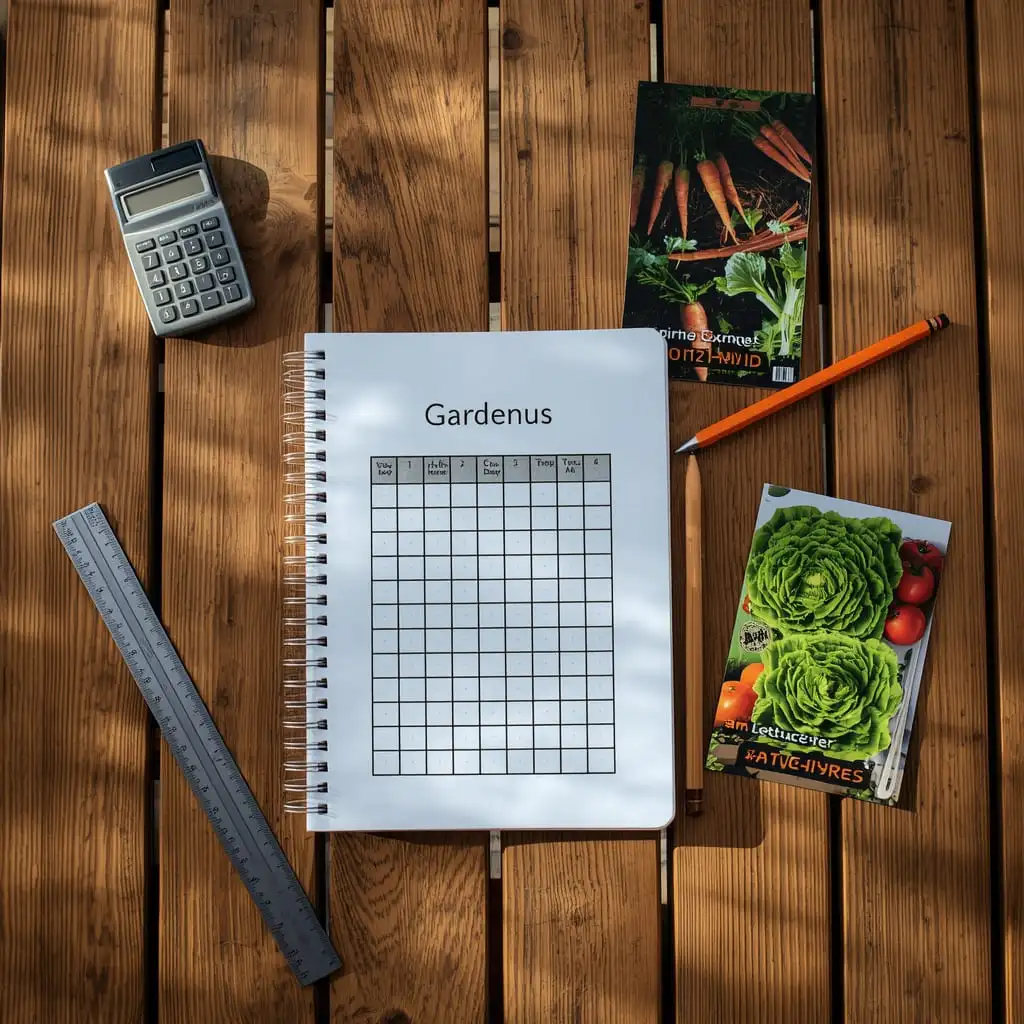
Use your seed calculator before you go shopping or place an online order. Know exactly how many seeds you need so you do not overbuy. Seeds are cheap, but buying too many is still a waste of money.
When to Adjust Seed Numbers
Your calculator gives you a good starting number, but sometimes you need to adjust. Here is when and why.
Poor Soil
If your soil is rocky, sandy, or heavy with clay, germination rates drop. Add 10 to 20% more seeds to make up for it. Better yet, improve your soil with compost before planting.
Low Germination Rate
Old seeds or seeds stored poorly will not sprout as well. If your seeds are more than a year old, test a few on a damp paper towel first. If only 5 out of 10 sprout, your germination rate is 50% and you need to plant twice as many.
Extreme Weather
Late frosts, heavy rains, or unusual heat can kill seedlings early. In areas with unpredictable weather, plant a few extra seeds or start some indoors as backup.
Direct Sow vs Transplant
Some vegetables like tomatoes and peppers are started indoors as seedlings, then transplanted outside. Others like carrots and beans are sown directly in the ground. Your seed calculator will give different numbers depending on which method you use. Make sure you pick the right one.
Benefits of Using a Seed Calculator Every Season
If you are still on the fence about using one, here is why a seed calculator is worth your time.
- Saves money – Buy only what you need instead of guessing and overspending.
- Reduces waste – Fewer unused seeds rotting in the back of a drawer.
- Improves yield – The right plant density means healthier plants and more food.
- Better garden organization – You know exactly what is planted where and how much space it takes.
- Easier planning – Spend less time figuring it out season after season. Just enter your numbers and go.
- Builds confidence – When you have a solid plan, gardening feels less overwhelming and more fun.
Final Thoughts on Using a Seed Calculator
Gardening is one of the most satisfying things you can do at home. There is nothing quite like growing your own food and eating it fresh. But it does take some planning to do it well.
Using a seed calculator makes your whole gardening season go smoother. You will stop wasting money on extra seeds. You will stop stressing about whether your plants have enough room. And you will be surprised at how much better your harvest turns out when everything is planned right.
Whether you have a small 4×4 raised bed or a big backyard garden, the process is the same. Measure your space, pick your plants, and let the seed calculator do the math. It takes just a few minutes and saves you hours of frustration.
Start simple. Even planning just one or two crops this season with a calculator will show you the difference. You will not go back to guessing after that.
Happy planting!
Frequently Asked Questions (FAQs)
A seed calculator is a tool that tells you how many seeds to plant based on the size of your garden. You enter your garden’s length and width, choose your plant type, and the calculator gives you a number. Most are available free online. Just measure your space, plug in the numbers, and you are ready to plant.
A seed calculator gives you a very good estimate based on standard plant spacing rules. It is not perfect because real-world conditions like soil quality and weather can affect results. But it is far more accurate than guessing. Always add 10 to 20% extra seeds to account for seeds that do not sprout.
Yes, absolutely. Just measure the surface area of your container (length times width) and use it the same way as a raised bed. A 12-inch pot is about 1 square foot, so you can plan for that space just like any other garden bed.
Not every seed germinates, and that is normal. If you notice gaps after a week or two, you can replant. To avoid this problem in the first place, always check the germination rate on your seed packet and plant extra. Storing seeds in a cool, dry place also helps them stay fresh longer.
Yes. In traditional row gardens, plants are spaced out with wide rows between them. In raised beds, you can plant closer together because the soil is better and you are not walking between rows. This is called intensive planting. A garden seed calculator for raised beds will account for this tighter spacing and help you get more plants in less space.